Remote Computer Repair

Not every problem needs an onsite visit. If your issue is software-related — slow performance, virus infections, error messages, software installation — we can often fix it remotely. We connect securely to your computer using RustDesk and resolve the issue while you watch.
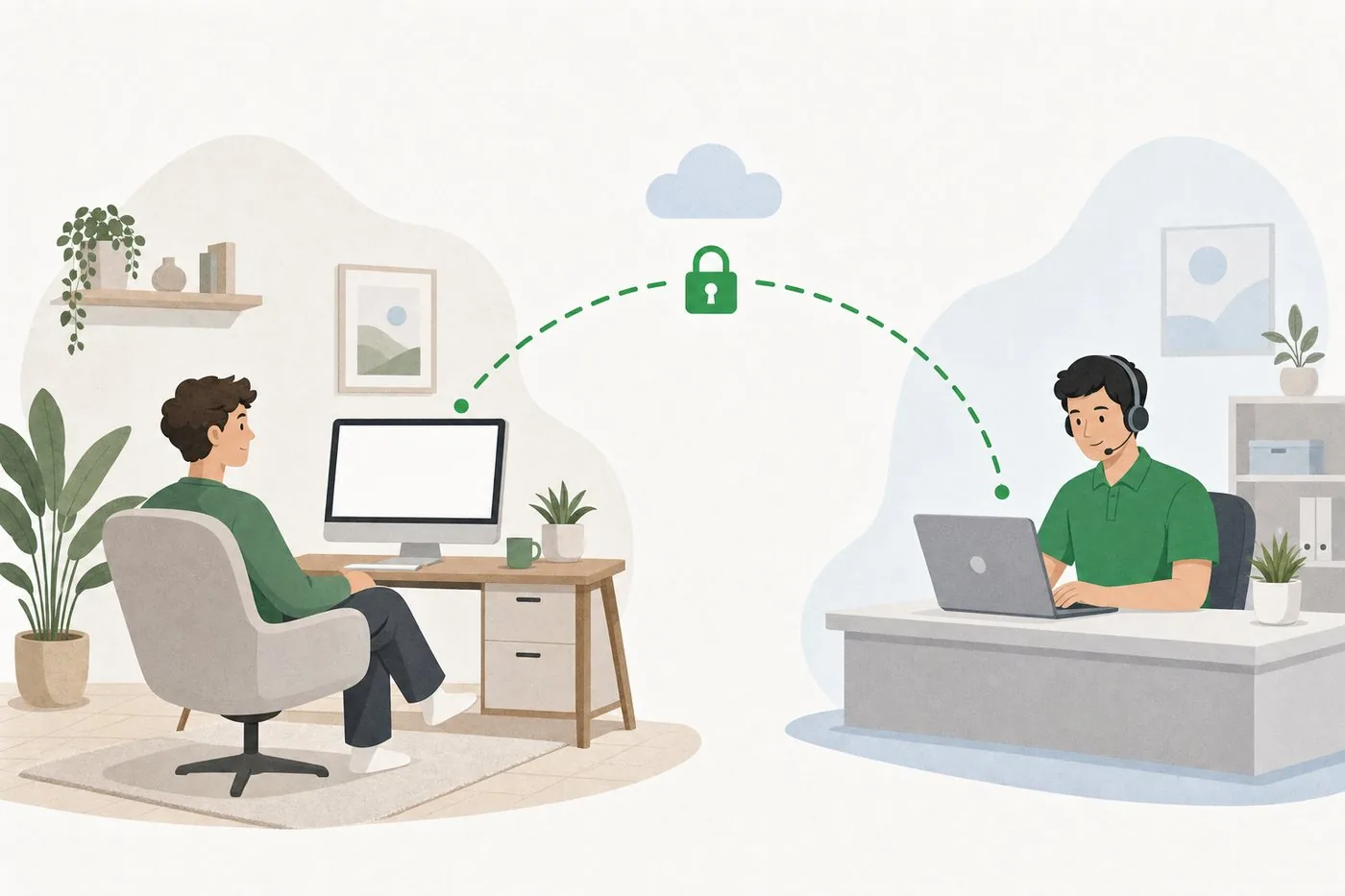
Customer at a home computer connected securely to a technician's laptop

How Remote Repair Works

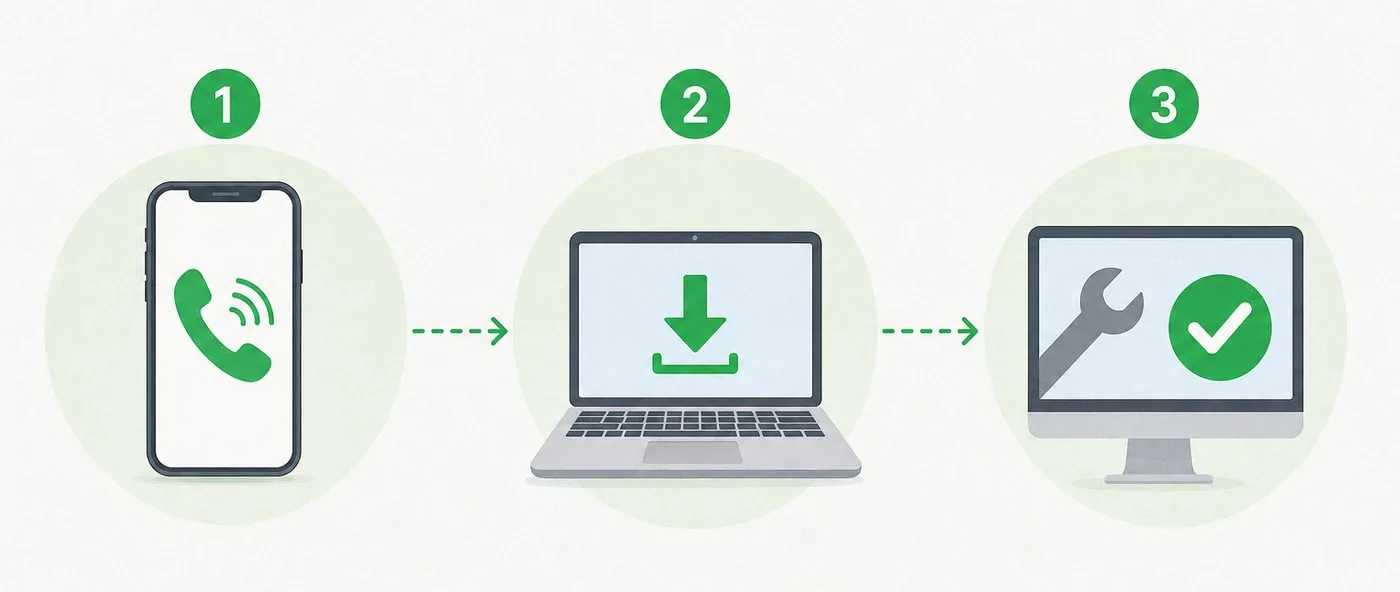
Three steps: call us, download RustDesk, we fix it while you watch
1

Call Us First

Give us a call at (620) 266-9191 and describe the problem. We'll let you know if it can be handled remotely or if we need to see the machine in person.

2

Download RustDesk

We'll have you download a small, safe program called RustDesk. It gives us temporary access to your screen — you can see everything we do.

3

We Fix It

Once connected, we diagnose and repair the issue in real time. Most remote repairs take 30-60 minutes. You're welcome to watch the entire process.

Download RustDesk

One-Time Repair

You called us and need remote help right now. Download this version — it doesn't install permanently.

Download for Windows

Ongoing Customer

You're a regular customer and want remote support ready to go anytime. This version stays installed on your computer.

Download for Windows

RustDesk is free, open-source software. Your connection is encrypted end-to-end. We can only access your computer when you explicitly allow it.

What We Can Fix Remotely

Virus and malware removal
Slow computer diagnostics
Software installation and updates
Email setup and troubleshooting
Printer configuration
Windows errors and blue screens
Browser issues and popups
Data backup assistance

When You'll Need an Onsite Visit

Ready for Remote Support?

Call us and we'll get connected in minutes.